
Agree on the expense rules before the trip
Before the first payment, agree which costs the whole group shares and which belong only to some people. Hotel nights often go to everyone; a taxi or museum ticket may not. Record the payer separately from the participants, because the person who paid is not always in the split. Add each expense while the amount and the people involved are still clear. If you spend in more than one currency, agree how to record those amounts—CheqSplit does not convert currencies. Clear rules at the start keep the shared record consistent until you review who owes whom.
How to split trip expenses in 5 steps
-
Create the trip early
Name the trip, include the people involved, and add any costs that already exist so the group starts from one record.
-
Record the payer
Make it explicit who paid for every expense—tickets, accommodation, transport, a restaurant expense, or an activity someone covered for the group.
-
Select participants
Include everyone only when they shared the cost. For a taxi, activity, or restaurant expense, choose just the people involved.
-
Add expenses as they happen
Enter amounts while they are still fresh. In CheqSplit, open the Expenses tab and tap Add Expense. Any participant can add an expense.
-
Review balances
Check the shared history and who owes whom before you close or export the trip. Fill in missing entries first.
Example: splitting a weekend trip between four friends
Alex, Blair, Casey, and Dana share a weekend. The hotel and museum tickets include everyone. The taxi includes only Alex, Blair, and Casey.
| Expense | Payer | Participants | Amount |
|---|---|---|---|
| Hotel | Alex | Alex, Blair, Casey, Dana | €400.00 |
| Taxi | Blair | Alex, Blair, Casey | €45.00 |
| Museum tickets | Dana | Alex, Blair, Casey, Dana | €80.00 |
| Person | Paid | Share | Result |
|---|---|---|---|
| Alex | €400.00 | €135.00 | is owed €265.00 |
| Blair | €45.00 | €135.00 | owes €90.00 |
| Casey | €0.00 | €135.00 | owes €135.00 |
| Dana | €80.00 | €120.00 | owes €40.00 |
Blair pays Alex €90, Casey pays Alex €135, and Dana pays Alex €40. Those three payments total €265, which matches what Alex is owed.
Shares: hotel €100 each; taxi €15 each for the three riders; tickets €20 each. Dana did not take the taxi, so Dana’s share is €120 instead of €135. CheqSplit can calculate these balances; it does not transfer the money.
When a trip expense is an itemized restaurant bill, use the receipt split method for the itemized split, including tax and tip. Then open the Bills tab on the trip and tap Add Bill.
Track shared trip expenses with CheqSplit
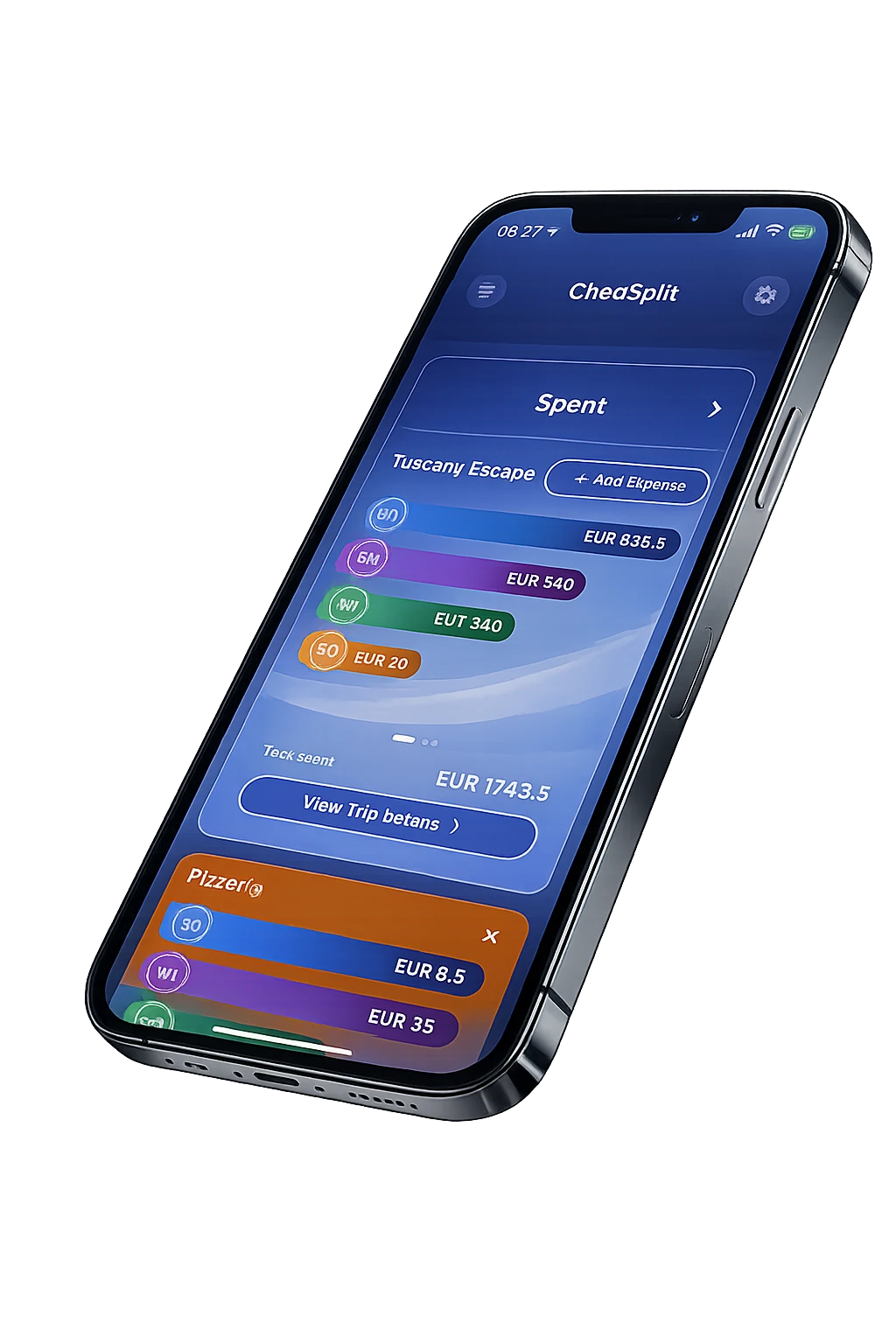
CheqSplit lets you create a trip for the group, record the payer and participants for each expense, keep the shared history visible, and see who owes whom. Add a taxi, hotel, or tickets from the Expenses tab with Add Expense. Add an itemized restaurant receipt from the Bills tab with Add Bill. Archive the trip and export a PDF report when you are done. It calculates balances; it does not transfer money or convert currencies.
Track group and trip expenses with CheqSplit