


Scan restaurant receipts
Scan a receipt to pull in line items and totals so you can start from the printed bill.
CheqSplit covers two everyday situations: one restaurant receipt shared at the table, or ongoing group expenses recorded in a trip. Pick the path that matches what you need.




Scan the receipt, review the items, invite the table, and assign each item to the people who ordered or shared it.
Split a restaurant billCreate a trip for your group, invite participants, and add costs as they happen. Use Add Expense for a taxi, hotel, or tickets. Use Add Bill on the Bills tab for an itemized restaurant receipt. Keep one shared expense history and see who owes whom.
Track group expenses Scan a receipt to pull in line items and totals so you can start from the printed bill.

Assign each line to the right people instead of splitting everything down the middle.

Restaurant bills and trip costs live on one shared expense history.

CheqSplit calculates the group balance so everyone can see who owes whom.
Five steps: split a restaurant bill, track group expenses in a trip, and see who owes whom—from the first invite to a report the group can check.
Give the trip a clear name, invite people with a link or QR code, and start recording shared costs.
Everyone sees the same check on their phones and marks their items together.

On the trip, open the Expenses tab and tap Add Expense. Enter the description, amount, who paid, and who shares it. Any participant can add an expense.

CheqSplit totals everything, shows each person’s share, and who owes whom.

Archive completed trips or export a detailed PDF with costs, summary totals, and a clear chart.
CheqSplit fits when you share a restaurant check or keep group expenses in one trip—so everyone sees the same record and who owes whom.
Scan the check, split by dish, and see each person’s share.

Accommodation, transport, meals, tickets, and activities in one running balance.
Ongoing trip costs from different payers on one timeline.

Clear balances from the shared record—not a payment transfer.
Download CheqSplit free, then choose a restaurant split or group tracking.
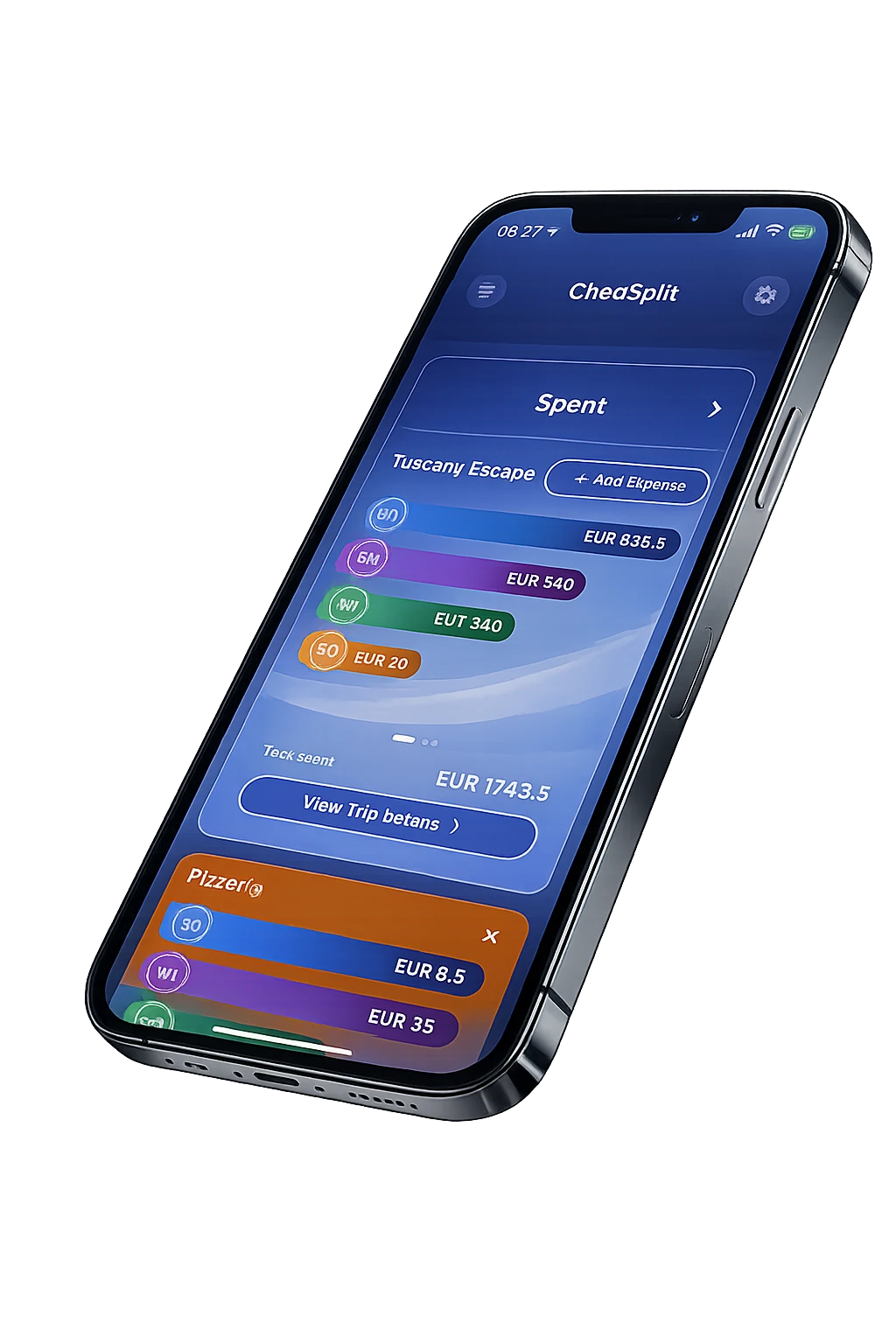
It scans and splits itemized restaurant bills, and it tracks ongoing group expenses in a trip so you can see who owes whom.
Yes. Review the scanned lines and assign each item to the people who had or shared it.
Yes. Create a trip for your group and invite people. Add a taxi, hotel, or tickets from the Expenses tab with Add Expense. Add an itemized restaurant receipt from the Bills tab with Add Bill. Any participant can add costs.
No. CheqSplit calculates shares and shows who owes whom. It is not a payment service.
Yes. You can archive a finished trip and export a PDF report with expenses, totals, and a chart.
Share a link or QR code so participants join the same bill or the same trip.